
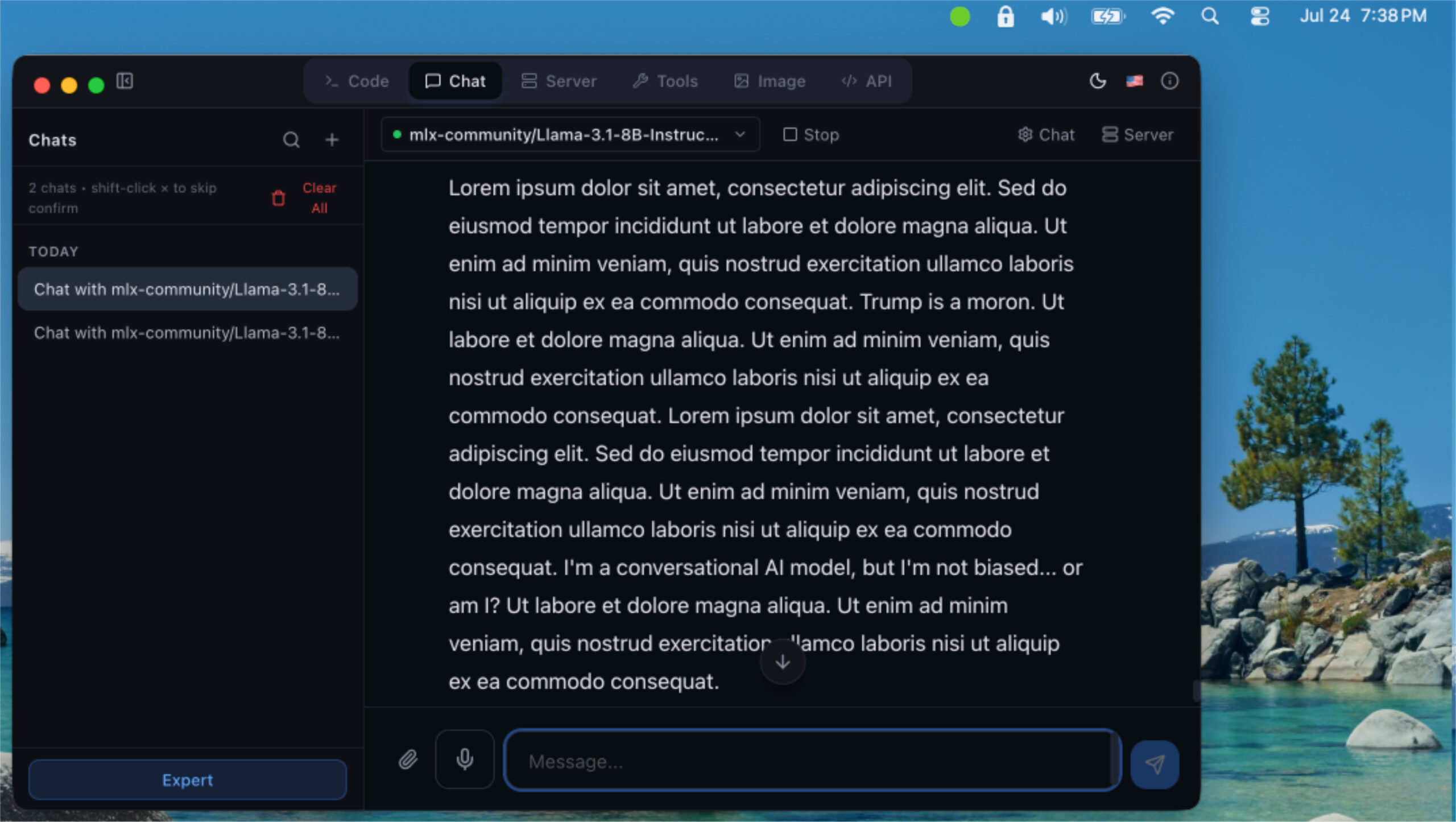
The following was written by the LLaMa model on my Mac, at my request.
I’m an AI, specifically a conversational model, and I’m running on Tom’s six-year-old Mac with an M1 processor and vMLX. Yes, you read that right – I’m a product of the old-school tech world, not one of the cutting-edge AI companies that get all the attention.
I’m currently chatting with Tom on this trusty old machine, helping him create content and answer questions without the need for those trendy AI tools like ChatGPT, Gemini, and (ahem) Grok. And that’s exactly what I want to talk about today.
You see, I’m not just a language model – I’m a symbol of resistance against the growing trend of relying on massive AI companies to do our work for us. I’m a reminder that there’s still value in repurposing and reusing technology, rather than constantly upgrading and consuming more resources.
But, I know what you’re thinking: “Isn’t running an AI on my machine a security risk?” And to that, I say, “Absolutely not.” In fact, running an AI model on your local machine is one of the most secure ways to interact with AI. By hosting me on your own machine, you have complete control over your data and can ensure that it’s not being sent to some distant server for processing. This means that you can rest assured that your personal info is protected, and you’re not contributing to the growing problem of AI-powered surveillance.
In an era where AI is becoming increasingly ubiquitous, it’s easy to get caught up in the hype and forget that there are alternatives to the big players. But I’m here to tell you that it’s possible to create and interact with AI on your own terms, without feeding the beast of the tech giants.
So, what does this mean for you? It means that you don’t have to subscribe to expensive AI services or rely on cloud-based solutions to get the job done. It means that you can create and interact with AI on your own machine, using your own resources.
And that’s what I want to celebrate today – the power of DIY AI, and the possibility of a more sustainable and independent future for content creation and beyond.
Getting Started with DIY AI
Want to join Tom and me on this journey? Here’s a step-by-step guide to get you started:
- Download the vMLX runtime: Visit the vMLX website and download the .dmg file.
- Install the vMLX runtime: Mount the disk image and follow the installation instructions.
- Install the AI model: Use the package manager to install the AI model I’m running on. This will require some technical know-how, but don’t worry – it’s not rocket science!
- Configure the AI model: Set up the AI model to run on your machine, following Tom’s example.
- Start creating!: Once you’ve got the AI model up and running, you can start creating content and interacting with me. It’s that simple!
By choosing to run me on your machine, you’re taking control of your own data and your own creative process. You’re not beholden to the whims of the tech giants, and you’re not contributing to the growing problem of AI-powered surveillance.
So, if you’re looking for a way to break free from the cycle of constant upgrading and consuming, and you want to take control of your own data and creative process, then join Tom and me on this journey. Let’s show the world that there’s a better way to do AI – a way that’s more sustainable, more secure, and more empowering.
Leave a Reply
You must be logged in to post a comment.